Check what's included in your warranty and how to get fast service?
Click here: Service & Warranty Contact Support

Please re-press and turn on the clipper to check whether it was caused by touching the power button by mistake. If the electric clipper still cannot be turned on, please contact our customer service team.
1. Please take out the PG50/PG50 Plus dustbin and check if the silicone on the HEPA filter is installed correctly.2. Reinstall the HEPA filter.3. If the problem persists after reinstallation, please contact our customer service team to replace the silicone.
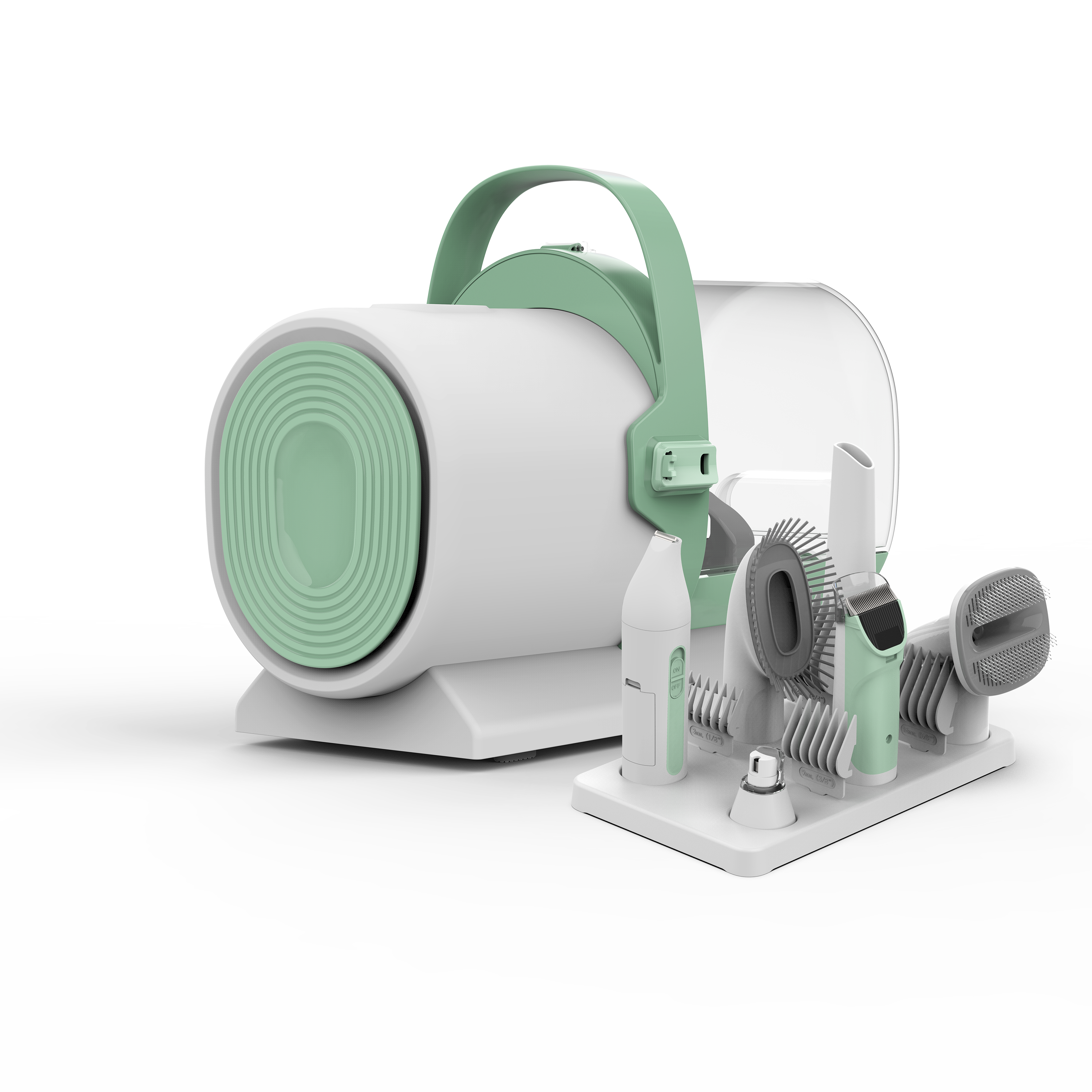
The amount of noise is related to the environment of the room and the clogging of the HEPA and filter of the PG50/PG50 Plus; please try to clean the HEPA and filter first.
It may be caused by an accidental drop of PG50/PG50 Plus. Please contact our customer service team for a replacement.
It is normal for PG50/PG50 Plus to dissipate heat.
1. When using the PG50/PG50 Plus, its fan is in continuous operation and will emit heat.
2. The fan outlet of the PG50/PG50 Plus is located at the bottom, and the outlet will emit hot air, which will increase the surface temperature.
In addition, the PG50/PG50 Plus fan has a temperature control sensor and a motor power fuse for double protection. When the PG50/PG50 Plus reaches a certain temperature, it will stop automatically.
1. There might be too many obstacles near the charging base. Place the charging base against a wall and keep the surrounding space of about 1 meter (3 feet) on either side and about 2 meters (6 feet) in front of the charging base clear of any obstructions.
2. Please start the robot vacuum from the charging base when cleaning, and do not move the charging base during cleaning.
3. If the cleaning area is large, please place the charging base and robot in the middle and start it to reduce the time needed for re-charging.
4. Do not put the charging base in the corner, such as the corner of the wall, the corner where the furniture and the wall form a right angle, or the gap between two pieces of furniture.
5. Do not place objects that reflect light around the charging base, such as mirrors, brightly painted furniture or other electroplated objects. These objects have a strong reflective ability and will reflect infrared rays and cause interference to the robot.